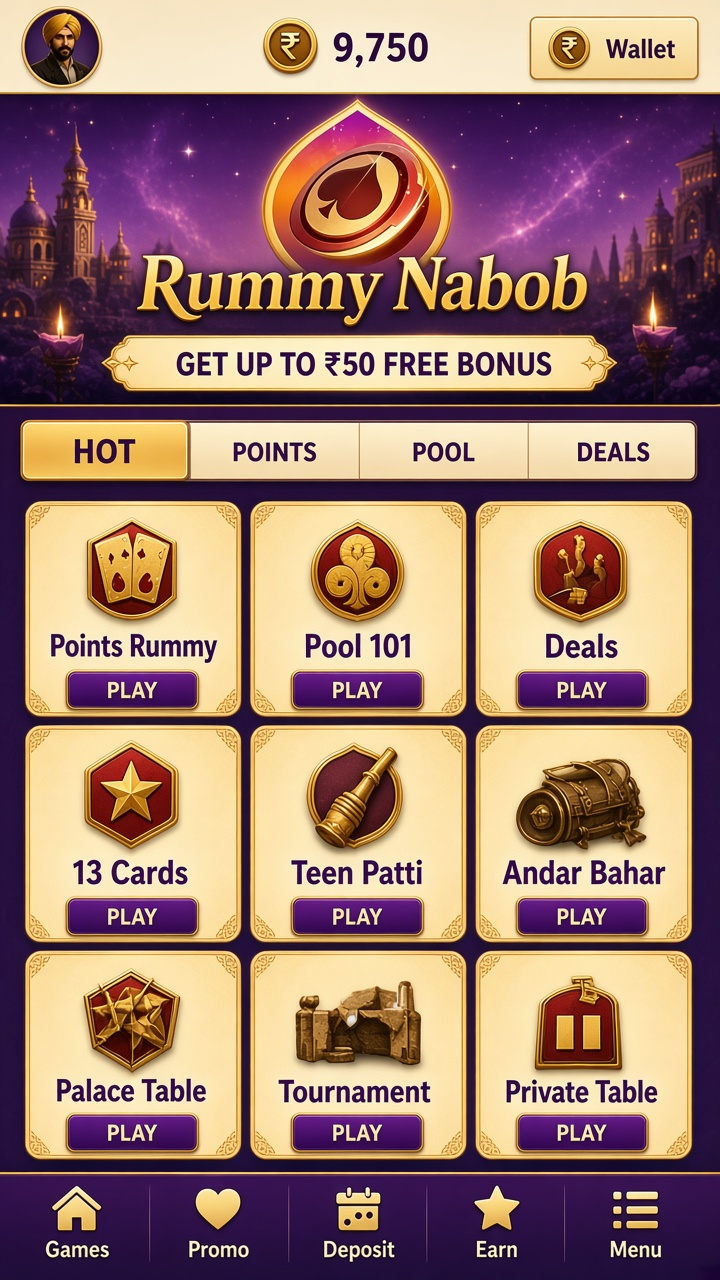

The app in brief
Rummy on Rummy Nabob follows rules most players already know, so the learning effort goes into table selection and discard reading rather than new mechanics.
Everything below assumes the same starting posture: read first, set your limits, then play.
Games and rules
Choose a table whose stake and format you already understand. The deal itself is standard rummy — thirteen cards, jokers as wildcards, one card drawn and one thrown each turn — and the result is settled by hand validity at declaration.
The unglamorous truth of every format on offer: the rules decide, the entry price is posted, and the result is recorded.
Quick reference:
- Points, pool and deals formats listed with their stakes
- Auto-grouping that can be corrected manually
- Pure-sequence reminders before declaration
- Discard-pile tracking with every throw visible
- Chip or point balance shown beside the table
Budgeting a session
Set a session budget before opening a game and treat it as spent the moment the session starts. Rounds settle quickly here, which is exactly why the spending decision belongs at the beginning, not in the middle.
Before your first entry
The download is version 1.4.3 (35 MB). After installing, the first screen is the lobby: sign in or register, glance at the account menu, and the catalogue is ready.
Quick reference:
- Review the account details on file
- Check the balance display before playing
- Choose a format and stake within your plan
Controls within reach
Dialogues appear only where they carry weight — confirming a stake, acknowledging a withdrawal request — and never as interstitials between rounds.
In bullet form:
- Balance shown beside the catalogue
- Confirmation step before money moves
- Plain-language labels throughout
- Session history under the account menu
Verifying your details
Verification is a standard part of the money side: before payouts run smoothly, the account details on file are checked against what you provided. Completing it early prevents delays later.
The payment side
With UPI and Net Banking supported, and a ₹100 minimum per request, the withdrawal flow is a single screen: amount, destination, method, confirm. Standard account checks apply, displayed charges are final, and timing is quoted as an estimate only.
The ₹50 welcome bonus
The app offers a ₹50 welcome bonus to qualifying new accounts, with the full conditions — eligibility, activation, eligible games, validity — published alongside the claim option. Bonus credit does not enter the withdrawable balance on its own; its conversion depends on the promotion’s stated requirements.