
Before you begin
Rummy on Rummy Bonus follows rules most players already know, so the learning effort goes into table selection and discard reading rather than new mechanics.
That is the whole pitch — a clear entry point, readable rules and a session length you choose yourself.
On the table
Each table lists its stake and format before entry. Points formats settle at the end of a deal on the deadwood left in each losing hand; pool formats knock players out as their totals climb. Confirm which one you have joined, because the right moment to declare differs between them.
One habit carries across every format here — check the cost, then confirm, and only then let the round run.
Points that recur across the app:
- Valid-declaration checks applied at showdown
- Round history with the final hands of each deal
- Hand sorting by suit and rank at the deal
- Discard-pile tracking with every throw visible
Browsing and selecting
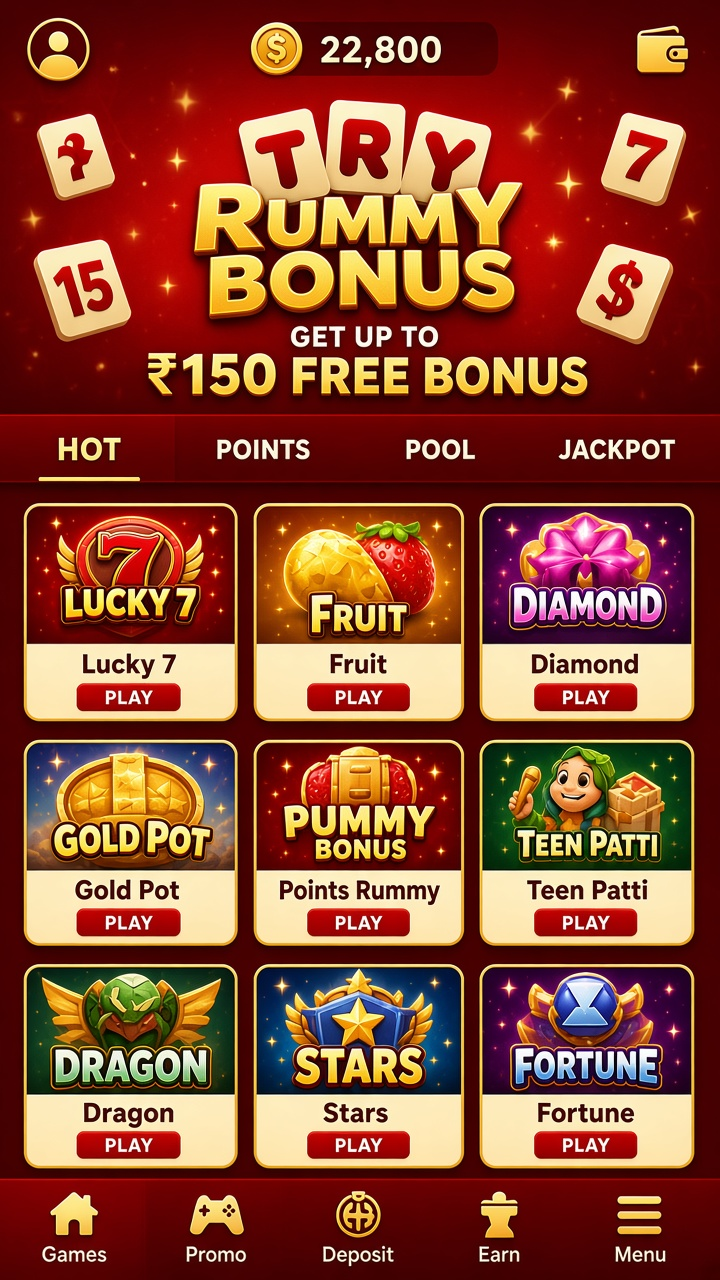
A search field sits at the top of the catalogue for anyone who knows the name of what they want; browsing shelves remain the default for everyone else.
Getting started
Downloaded via the button, installed via the standard prompt, the app arrives as version 3.1.0 at roughly 44 MB and opens ready to browse.
Access and security
Access runs through your own login. Keep the credentials private, use a passcode on the device itself, and sign out on shared hardware — the basics, but they carry the load.
Keeping it a pastime
The pause button is the most valuable control on any screen. Using it after a bad round — before the next entry — is the difference between a session and a streak.
Moving money in and out
You can request a withdrawal once your withdrawable balance reaches ₹500. The supported methods are UPI and Net Banking. Check the destination account details carefully — a payout sent to wrong details is a problem no one wants — and expect processing to depend on the chosen method and standard account checks.
Claiming and using bonus credit
Eligible new players may see ₹150 of welcome credit after account setup. The promotion’s page carries the specifics: activation method, where the credit is usable, and its expiry. It is playing credit to begin with, not a payout.