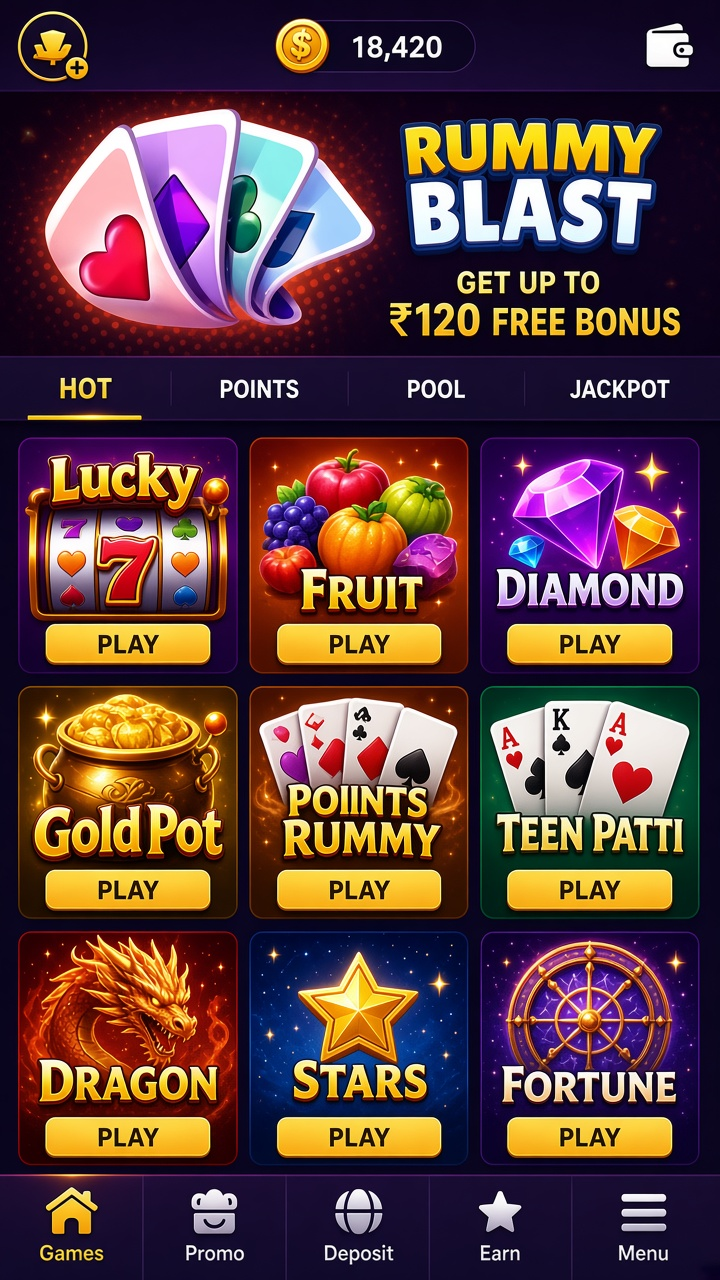

What you are opening
Each rummy deal in Rummy Blast starts from the same place — a shuffled shoe, a sorted hand and a discard pile that slowly reveals what the table is holding.
Whoever you are in this for, the app treats the entry decision as the important one: everything on the main screen exists to make that comparison easier.
Inside a session
The round structure is draw-and-discard until someone declares. A valid hand needs at least one pure sequence built without a joker, with the remaining cards grouped into further sequences or sets. An invalid declaration is scored like the worst hand at the table, so patience at the end matters as much as speed in the middle.
Worth knowing before the first round:
- Round history with the final hands of each deal
- Hand sorting by suit and rank at the deal
- Auto-grouping that can be corrected manually
- Pure-sequence reminders before declaration
- Valid-declaration checks applied at showdown
Moving around the app
Menus here are short by design. Fewer options per screen means fewer accidental taps, and the labels are written to be understood on first reading.
Your details, your responsibility
The app is intended for adults. Account details should be entered accurately at registration, since verification checks reference them, and payout problems most often trace back to details that never matched.
Small habits, fewer surprises
After a strong round and a weak one alike, the useful move is the same: check the history, confirm what happened, and decide whether the session continues on its original terms.
The welcome bonus
Eligible new accounts can receive a ₹120 welcome bonus. Before opting in, read the promotion terms: they set out who qualifies, how the credit is activated, which games it applies to, and how long it stays valid. Bonus credit sits apart from withdrawable cash — receiving it does not put that amount straight into your payout balance.
Deposits and payouts
A payout request needs a withdrawable balance of ₹100 or more, with UPI and Bank Transfer as the available routes. The confirmation screen shows everything that will happen to the request — fees, destination, method — before it is submitted. From there, timing follows the method and standard checks.