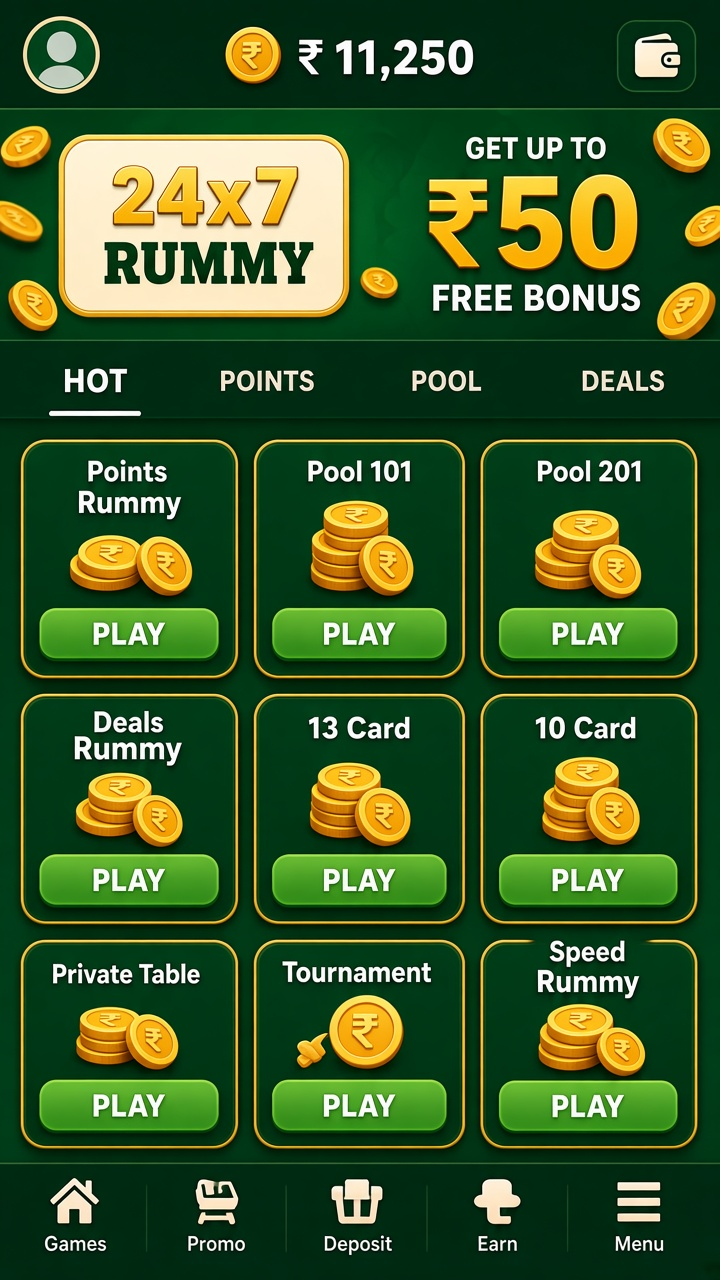

What 24×7 Rummy is
At a 24×7 Rummy table the round follows the traditional rummy rhythm: draw one card, discard one card, and watch the pile for signals about what opponents are collecting.
The rest of this page walks through what the app contains, how the money side works, and the habits that keep a session comfortable.
Inside a session
Before taking a seat, read the table details: number of players, stake per point, and whether the format is a single deal or a pool that carries across rounds. Sorting the hand by suit and rank at the deal is the cheapest advantage available, and a declaration only counts when the sequences and sets behind it are valid.
A result screen closes every round, stating what happened in figures rather than leaving you to reconstruct it.
Screens and menus
Text contrast and button spacing are handled conservatively, which makes the app readable in the situations people actually use it in — bright rooms, short glances.
Features you will notice first:
- Session history under the account menu
- Balance shown beside the catalogue
- Rules link on every entry card
- Favourites row for repeat formats
Access and security
Account information lives in one profile section: details, payment routes and verification status. Reviewing it occasionally takes a minute and prevents the slower kind of support ticket.
A simple opening sequence
Start with the DOWNLOAD button, then confirm the install when Android asks. The current listing is 2.7.3, around 60 MB — modest enough for most devices, with some data overhead beyond that.
The short version of the above:
- Launch the app and sign in or register
- Choose a format and stake within your plan
- Confirm the install when Android prompts
A note on pace and spending
Treat the balance as information, not as a score. When it reaches a level you set in advance, the session is over by definition, whatever the last round did.
The ₹50 welcome bonus
The ₹50 welcome bonus applies to eligible newcomers. What ‘eligible’ means — account status, activation method, game restrictions, expiry — is defined in the promotion terms, which precede the claim button. Bonus credit is a separate balance and does not count toward a withdrawal until its own conditions are met.
Requesting a withdrawal
Cash-out starts at ₹300. Choose between UPI and Bank Transfer on the withdrawal screen, where the amount and destination are confirmed together. Bonus-related conditions may hold part of the balance, and the chosen route sets the expected processing pattern.