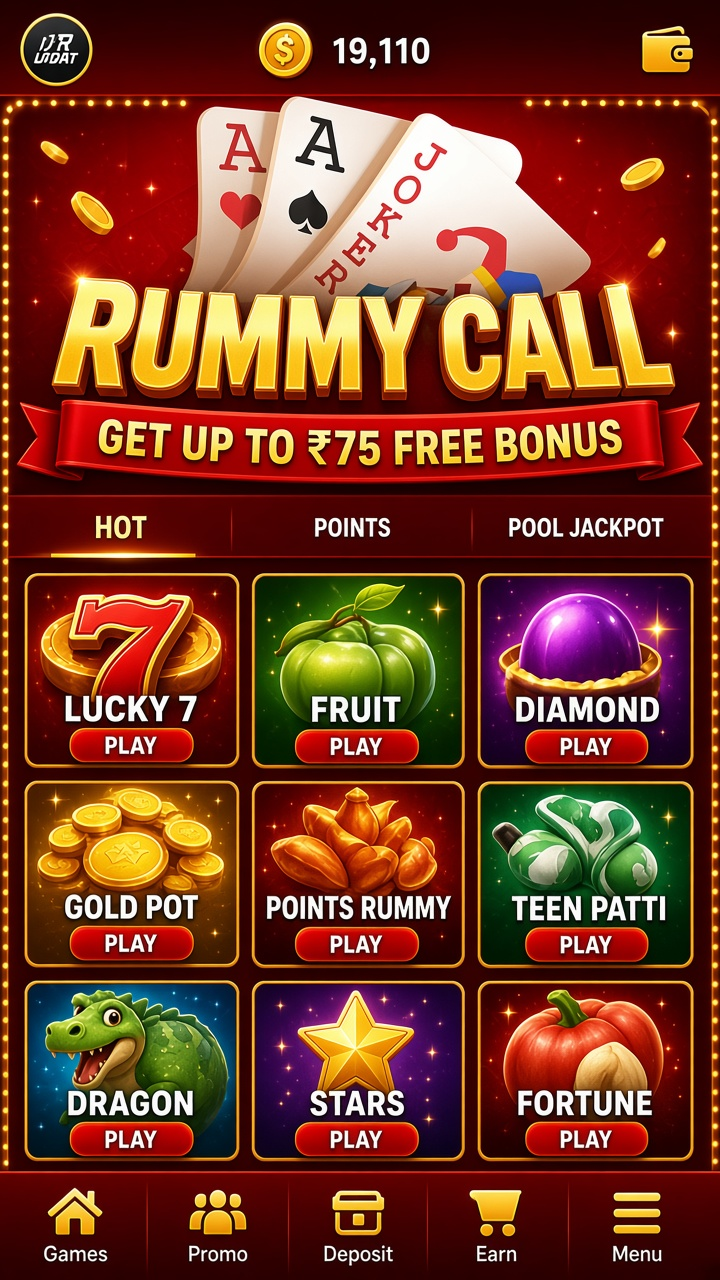

The app in brief
Rummy Call offers rummy in a mobile layout where the hand sits at the bottom, the discard pile in the middle, and table information within reach of a thumb.
Taken as a whole, it is a casual-pace product: sessions can be short, the exit is always obvious, and nothing assumes hours of continuous play.
The games themselves
The round structure is draw-and-discard until someone declares. A valid hand needs at least one pure sequence built without a joker, with the remaining cards grouped into further sequences or sets. An invalid declaration is scored like the worst hand at the table, so patience at the end matters as much as speed in the middle.
Formats that settle instantly are labelled as such, and formats with longer arcs are easy to tell apart in the lobby.
Features you will notice first:
- Auto-grouping that can be corrected manually
- Hand sorting by suit and rank at the deal
- Round history with the final hands of each deal
- Chip or point balance shown beside the table
Finding your game
The main screen carries three things: the catalogue, the balance, and the account menu. Everything else — history, help, preferences — hangs off those.
Pause and review
Outcomes in every format vary, and previous results do not tilt the next one. Playing longer to recover a loss changes the size of the exposure, not the direction of the odds.
Installing and starting
The package is 3.2.6, listed at 52 MB. Once installed, the opening screens collect the basics — account, preferences — and then hand you to the lobby without further ceremony.
Quick reference:
- Choose a format and stake within your plan
- Set sound and notification preferences
- Check the balance display before playing
Withdrawals, step by step
The payout floor is ₹500, via UPI and Net Banking. A request moves through the selected route after the standard account review; charges, if any, are displayed before you confirm. No specific completion time is promised, so plan around the method you choose.
The welcome bonus
Eligible first-time accounts may claim a ₹75 welcome bonus. The offer’s terms govern how it is activated and where it can be used, and they include a use-by window. Receiving bonus credit is not the same as receiving withdrawable money; the two are accounted for separately.